Integrations
Works with the apps your team already uses.
Google Workspace and more than 50 apps you connect by signing in. Approvals in the chat your team already uses. Any model, changed whenever you like. And if something has an API, it already works.
- KnowledgeDEFAULTSearch the bases this agent may read
- GitHub4/12Issues, pull requests and code search
- PostgresRead-only queries on the orders database
- Google Workspace2/9Gmail, Calendar, Sheets and Docs
- Web browsing3/3Fetch and read a page
- SlackPost to a channel
Apps
Sign in, and your agents can use it.
On Cloud, the Apps directory holds Google Workspace and more than 50 apps. Connect one by signing in, and its tools are ready for the agents you choose.
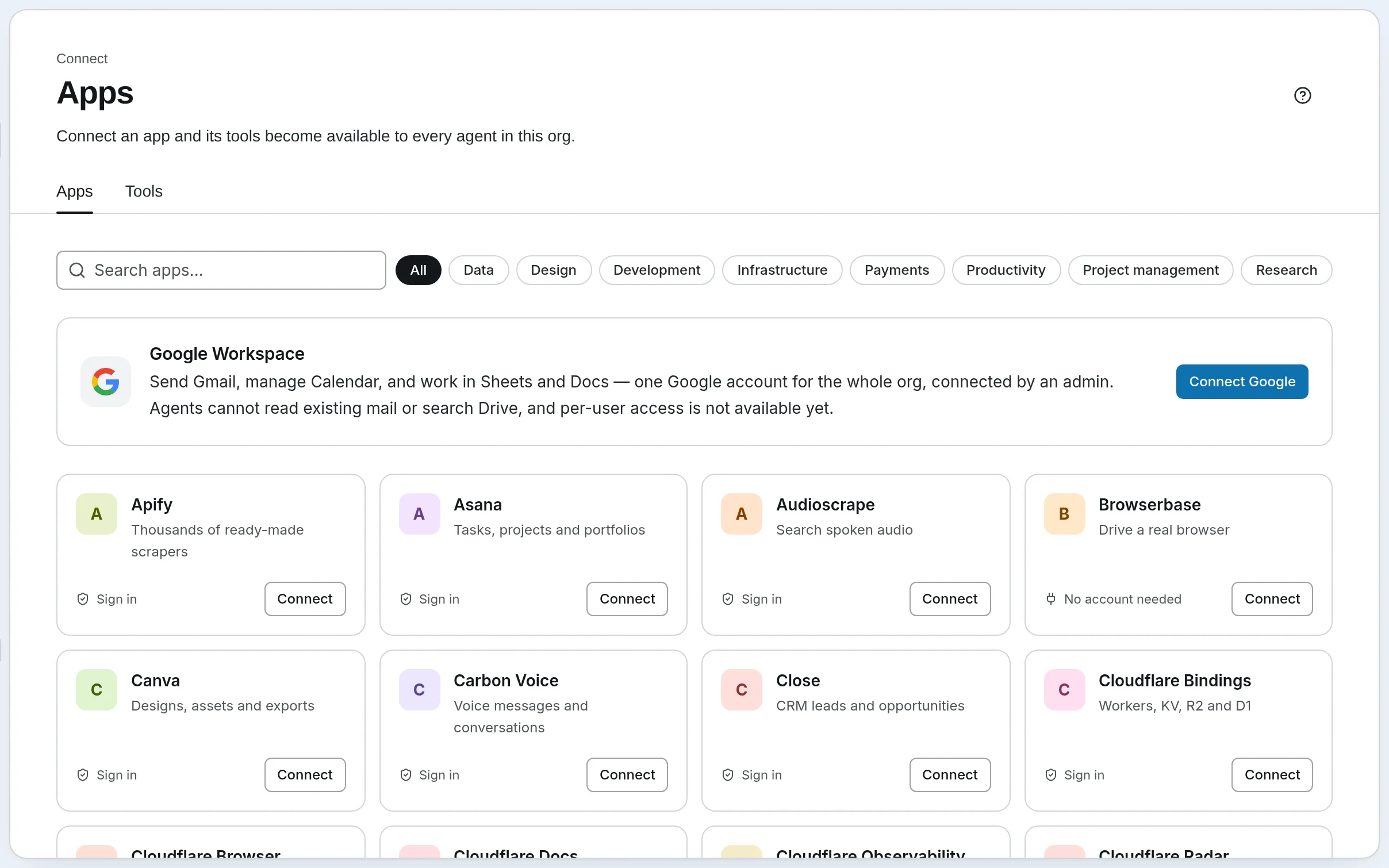
Google Workspace
Send Gmail, manage Calendar, and work in Sheets and Docs, through one Google account for the whole workspace that an admin connects. Reading existing mail and searching Drive aren’t available yet.
GitHub and Supabase take a token instead of a sign-in, and research tools like Exa and Firecrawl need no account at all. Self-hosted, connect any of these by its address, or run a server on your own machine.
- Productivity
- Notion, Intercom, Close, Fireflies, Carbon Voice, Egnyte, WayStation
- Project management
- Linear, Jira & Confluence, Asana, monday.com
- Payments
- Stripe, PayPal, Square, Dodo Payments
- Design
- Figma, Canva, Cloudinary, Webflow, Wix
- Data
- Supabase, Neon, Prisma, Sanity, Grafana, ThoughtSpot
- Research
- Exa, Firecrawl, Browserbase, Hugging Face, Apify, Simplescraper, Hive Intelligence, Audioscrape
- Development
- GitHub, Sentry, Vercel, Netlify, Semgrep, Jam, DeepWiki, GitMCP, Context7, Javadocs
- Infrastructure
- Cloudflare Docs, Cloudflare Bindings, Cloudflare Observability, Cloudflare Radar, Cloudflare Browser, Globalping, Telnyx
Approvals
Your sign-off, in the chat your team already uses.
A run that needs a person asks in the app, in Telegram, or with one click in the email, and the reply carries it on. Microsoft Teams and WhatsApp work too when you self-host. A message in a channel can also start a run.
 Slack
Slack Discord
 Telegram
 Microsoft Teams
 WhatsApp

SynapseOrchApp9:02 AM · #ops-weekly
⏸ Weekly supplier review is ready. Saltmarsh Logistics dropped to 6/10 on late deliveries. Send it to the ops team?
Reply here to answer.
Telegram on SynapseOrch Cloud, every one of them when you self-host. On Cloud, messages arrive by webhook, so there is nothing to keep running; self-hosted, a channel can listen or take webhooks.
Phone
Answer the phone with the same agent.
Connect your Twilio number to an agent. Callers reach it with the tools and knowledge you choose for them. It says it is an AI, can pass a call to a person, and takes a message when nobody picks up.
- TwilioYour numbers, answered by an agent
Models
23+ model providers, and no key needed to start.
Every step names its model: a small one to sort and check, a strong one where judgment matters. On Cloud, use our models with no API key, or bring your own keys for 17 providers. Self-hosted, use any of them, and models on your own machine.
Sort the inbox
Llama 3.1 8B
Ollama, on your laptop
$0.0000
Pull out the facts
 Gemini 2.5 Flash
Your own Google key
$0.0021
Write the reply
 Claude Sonnet 4.5
Your own Anthropic key
$0.0140
- Claude (Anthropic)
 OpenAI
- Google Gemini
 Grok (xAI)
 DeepSeek
- Ollama (local)
 AWS Bedrock
 Mistral
 Kimi (Moonshot)
 Qwen
Qwen Z.ai
Z.ai MiniMax
 OpenRouter
 Groq
Groq Cerebras
 Together AI
 Fireworks AI
 NVIDIA NIM
…and any OpenAI-compatible endpoint, a LiteLLM proxy included.
Our models on Cloud are paid as you go from a prepaid balance, and every plan includes $2 of them a month, so your first workflow needs no account with any provider. Your own keys work on Cloud and self-hosted.
Everything else
If it has an API, it already works.
Six ways to give an agent real hands. Every tool really runs: if a call fails, the run sees a failure, not a model imagining a success.
MCP servers
Any Model Context Protocol server: stdio or HTTP when you self-host, HTTP on Cloud. Your agents get its tools with no adapter code.
A connected server and the tools it brings, each with the sentence the model reads to decide when to call it.
list_issuesFind issues by text, team or stateget_issueRead one issue and its commentscreate_issueOpen an issue in a teamupdate_issueChange its state, assignee or prioritycreate_commentComment on an issue
Granted to Support bot and Ops analyst
MCP
Any MCP server, any tool.
If a server speaks MCP, it works: local or remote when you self-host, remote on Cloud. Try one.
- Connect itA command for a local server when you self-host, a URL and a token for a remote one.
- Its tools appearEvery tool it exposes, listed the moment it is up. No adapter code.
- You decide who gets whichSwitch a tool on for the agents that may call it. A support bot never sees the merge tool.
Command, when you self-host
docker run -i --rm -e GITHUB_PERSONAL_ACCESS_TOKEN ghcr.io/github/github-mcp-server
Connecting…
Servers people connect (local ones when you self-host)
- GitHub
- Slack
- Google Drive
- Playwright browser
- Filesystem
- Notion
- Linear
- Stripe
- Sequential thinking
- the one you wrote yourself
Missing something you need?
If it has an API, an OpenAPI spec or an MCP server, it already works. If it doesn’t, tell us what you’re trying to connect and we’ll point you to the shortest path.
Free plan, no card needed.