Use case
Market and competitor reports
A report on your market with the same sections every time: news, competitors and numbers gathered in parallel, scored, and written up with a clear go / no-go.
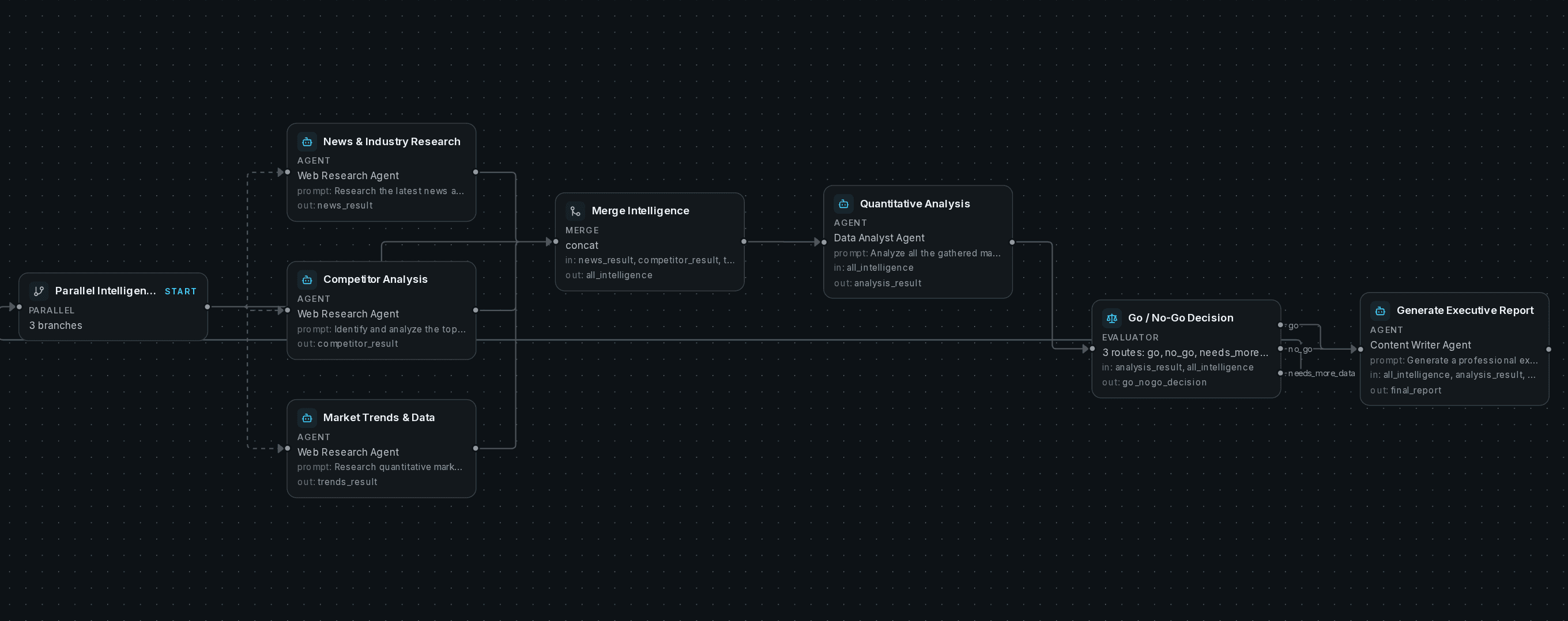
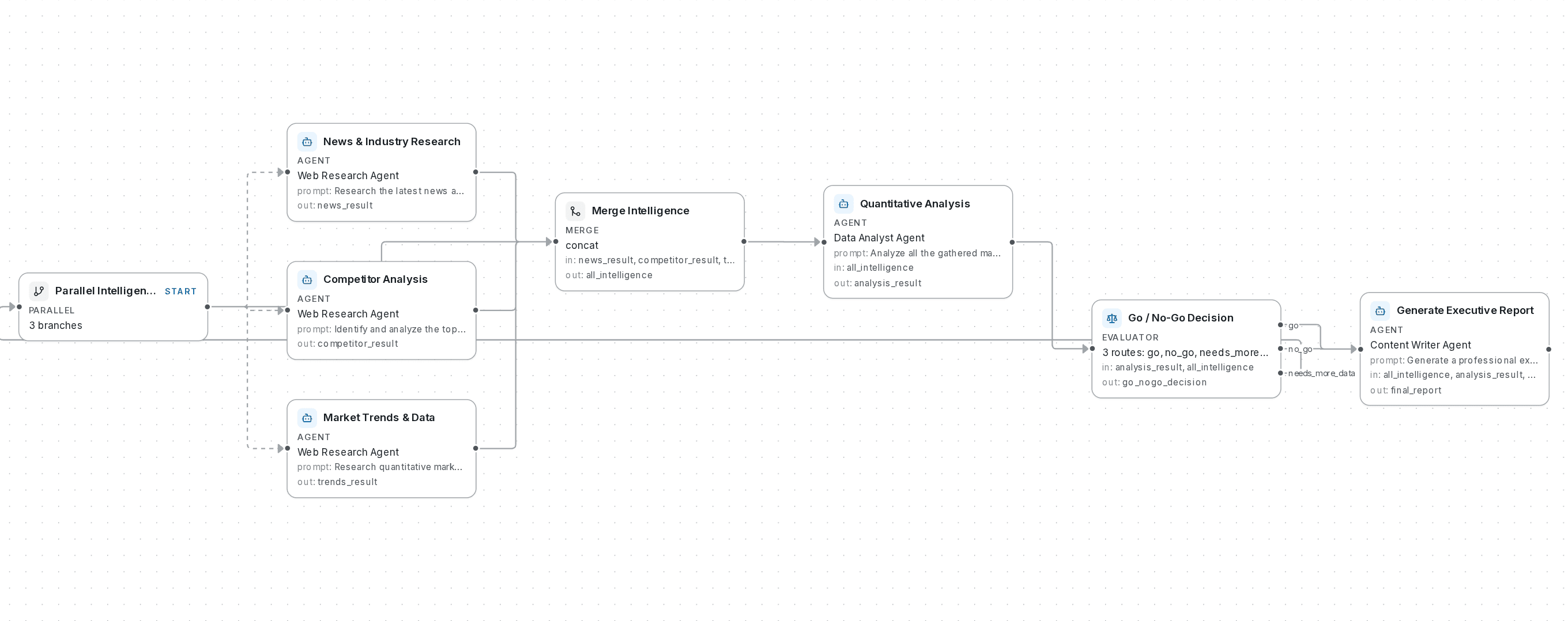
The workflow in the editor, captured from the open-source app.
- Steps
- 8
- Agents
- 3
- Where a person answers
- 0
- Run side by side
- 1
- Models
- Yours to choose, per step: a small one for sorting and checks, a strong one where judgment matters
- Stops at
- Its turn and time limits; on Cloud, also your plan’s limit
The workflow
What it solves, and how it runs.
The problem
Analysts spend the first hours of every week gathering the same numbers from the same places. That part is a workflow, not judgment. The judgment is the go / no-go at the end, and it’s easier to make from a report that has the same sections every week.
Why a fixed path matters here
The path is fixed, so week 12 has the same sections as week 1 and the numbers line up. Run it by hand, or put it on a weekly schedule.
How it runs
- 1News, competitors and market data are researched in parallel
- 2What was found is merged into one brief
- 3An analysis step scores the market in Python from what was gathered
- 4A go / no-go check reads the scores, and sends it back for more data if they’re thin
- 5A writer turns it into an executive report with the recommendation up front
Run it
On our cloud, or on your servers.
On SynapseOrch Cloud
The closest templates:
- Competitor watchWhat changed on your competitors' pages — pricing, positioning, launches.
- Market briefA reviewed daily brief on the tickers you follow, from sources you choose.
Or describe this workflow to Build with AI, and approve the plan it drafts.
On your own servers
market-intelligence.bundle.json holds the agents and the workflow together. Import it from Settings → Import / Export in a self-hosted install, add your own connections, and run it.
It needs
- A model for the agents, from any provider you set up
- Web access: the built-in page reader, or a full browser when Node.js is installed
- The Python sandbox for the scoring step, which runs in Docker
More
Other workflows worth a look
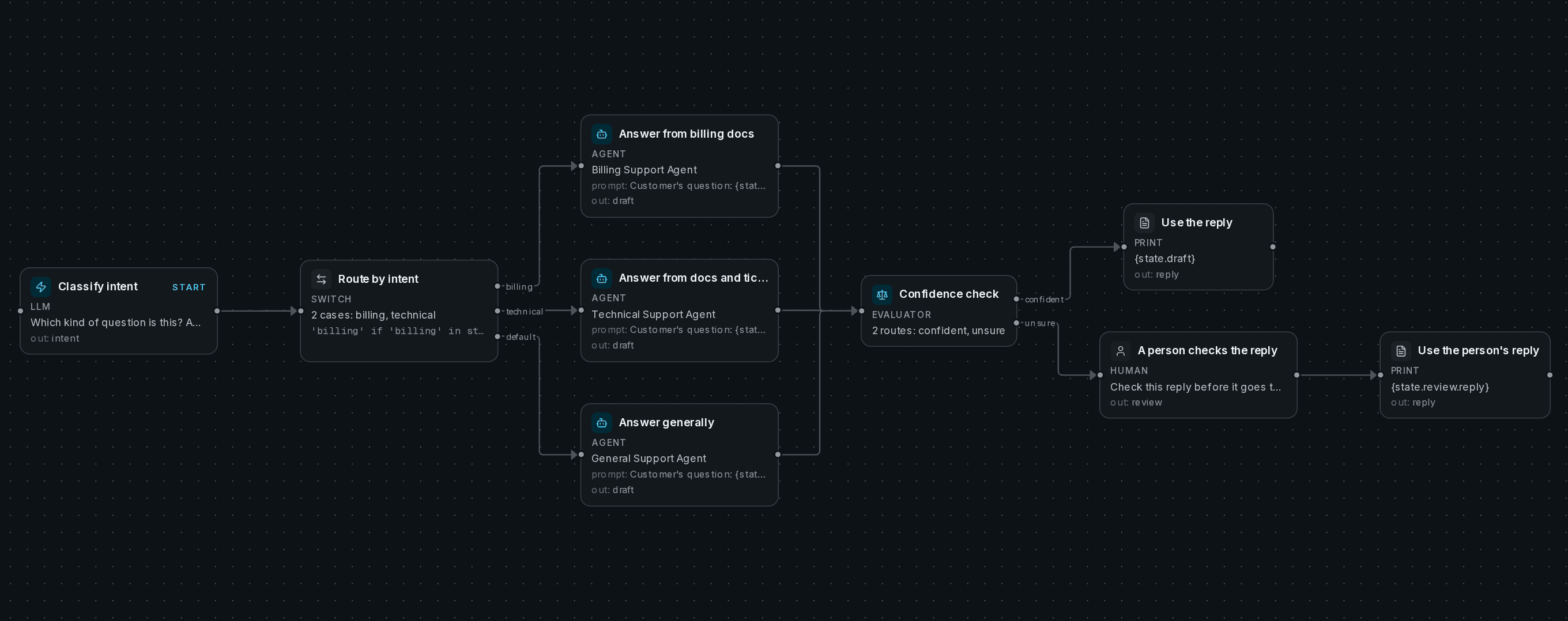
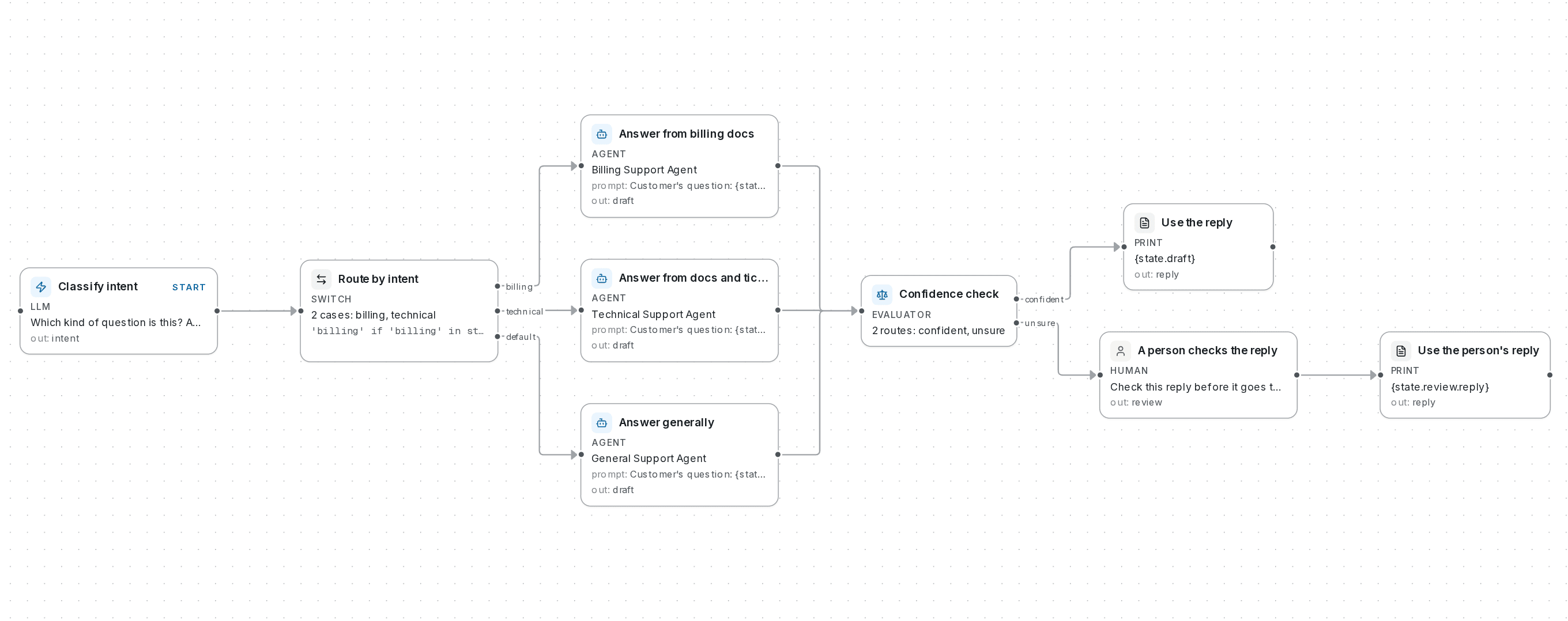
Customer support replies
Answers customer questions from your help articles, and has a person check anything it isn’t sure of before it goes out.
Researched articles
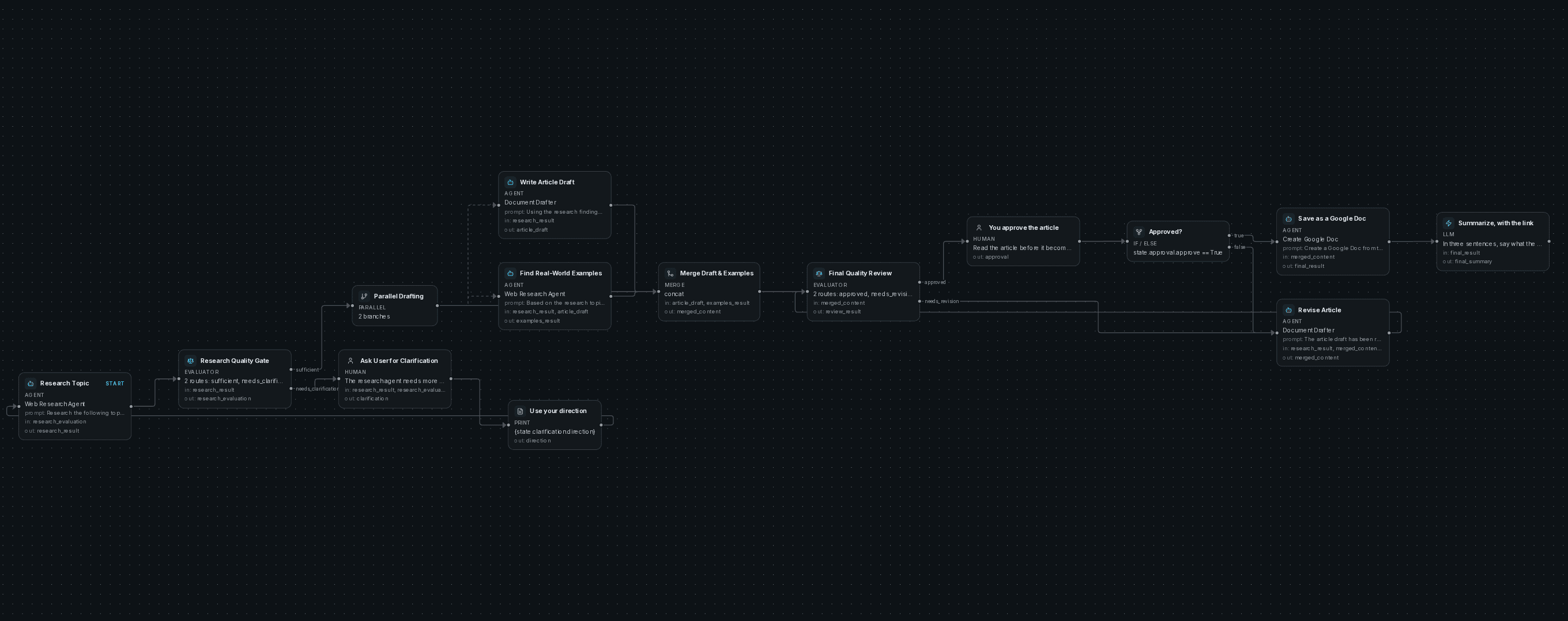
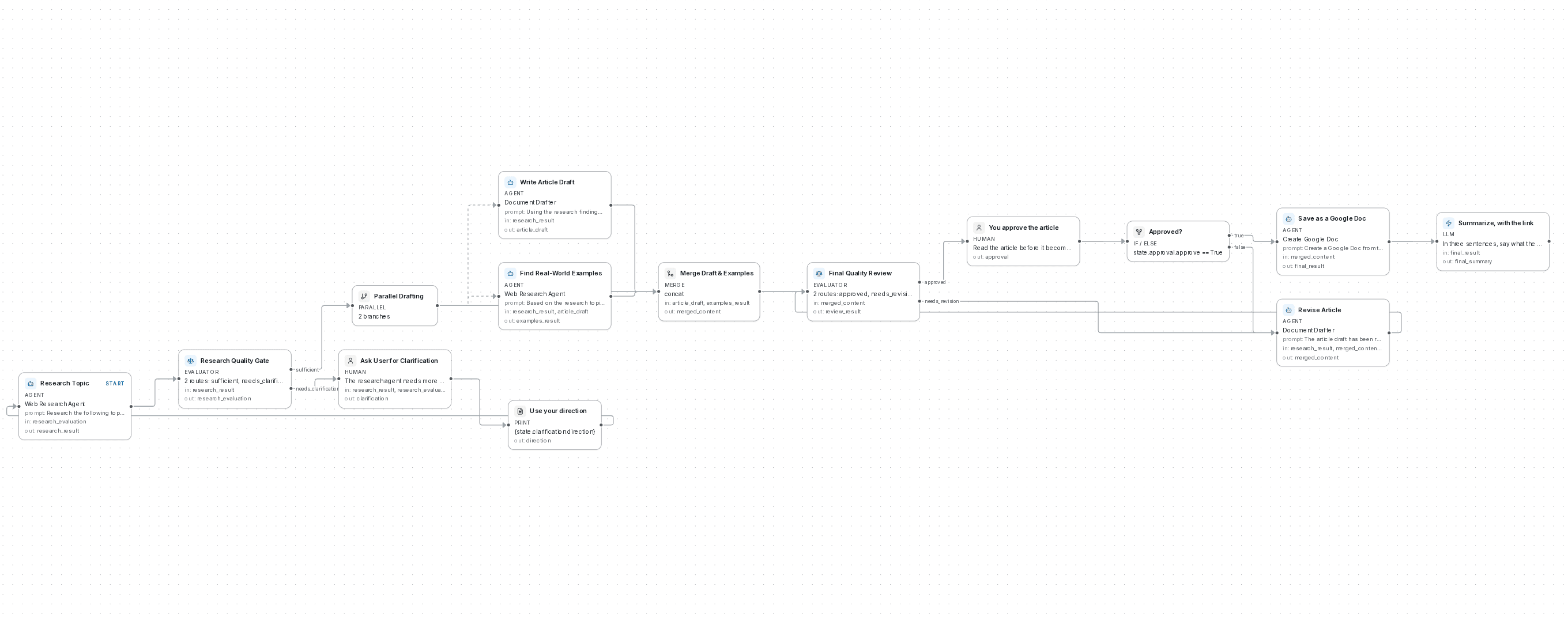
Articles drafted from real sources and checked until every claim is cited, then held for your approval before they’re saved as a Google Doc.
Research briefs
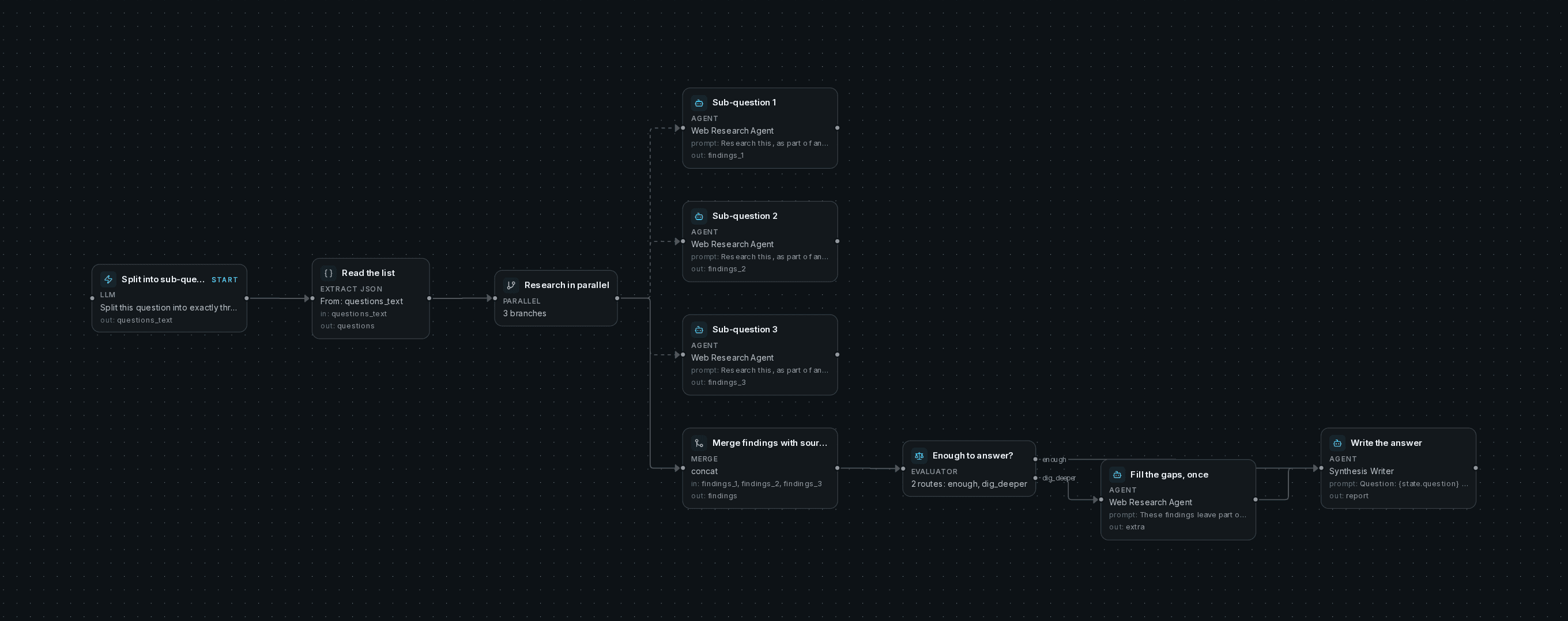
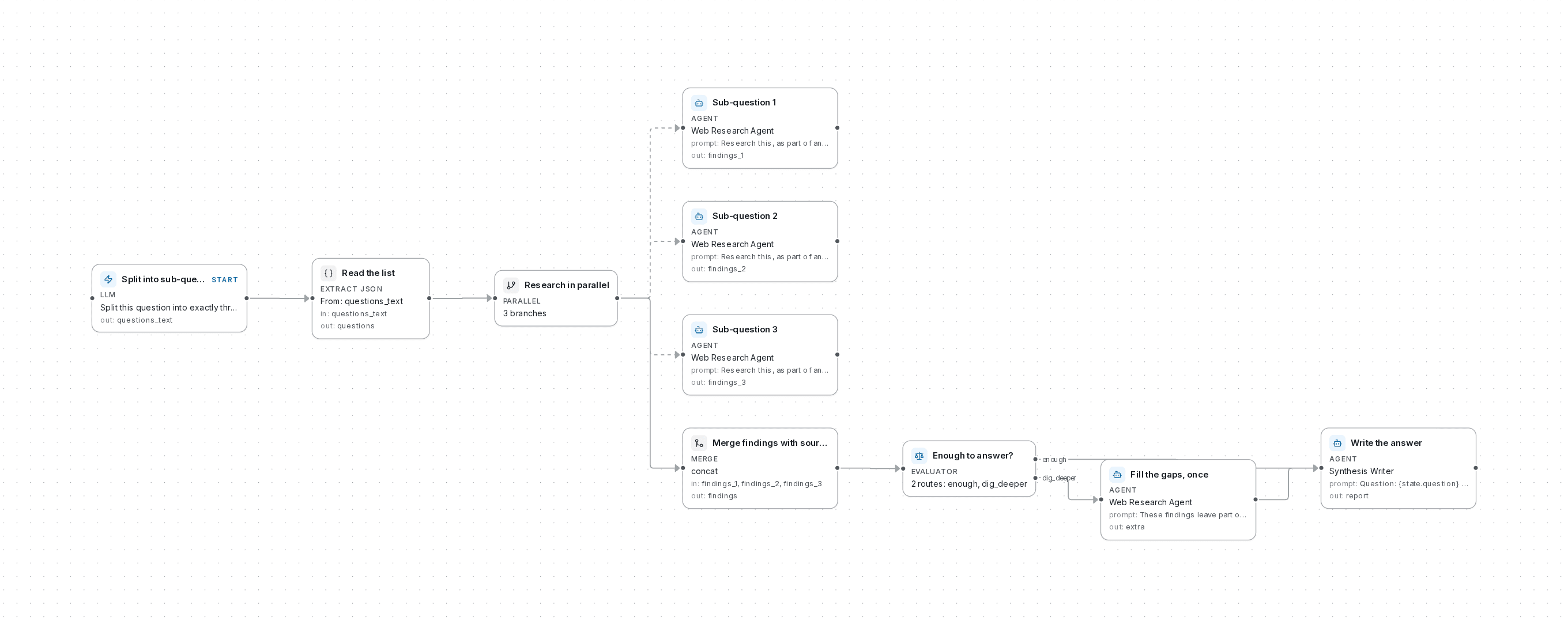
A question split into three parts and researched in parallel, with one pass to fill the gaps, then one written answer with its sources, saved to your files.
Two ways to run it
Let us run it, with nothing to install and no API key needed. Or run it on your own servers, free and open source.
Free plan, no card needed.